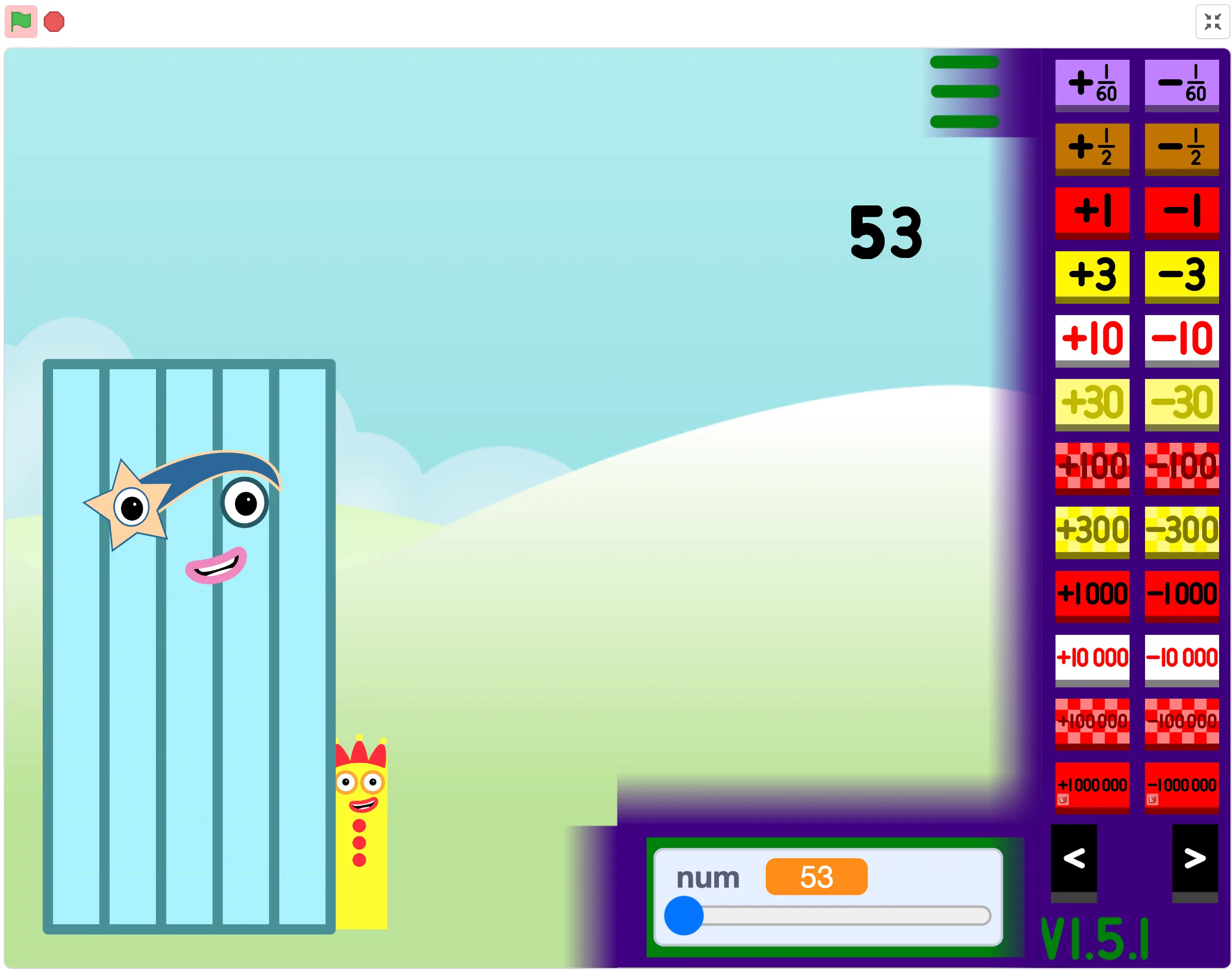
Main Numberblocks Generator
Best for quick play
Start here for the most stable quick-play version. It loads fast, works well in fullscreen, and is the default choice for first visits.
Playable version hub
Play and compare multiple Numberblocks Generator versions online, including Main Generator, 1 to Infinity, Scratch, and Websim.
Main Generator
Mobile Safari uses a lightweight site player with only the game frame loaded.
Rotate your device for a better play experience.
Choose a Version
Best for quick play
Start here for the most stable quick-play version. It loads fast, works well in fullscreen, and is the default choice for first visits.
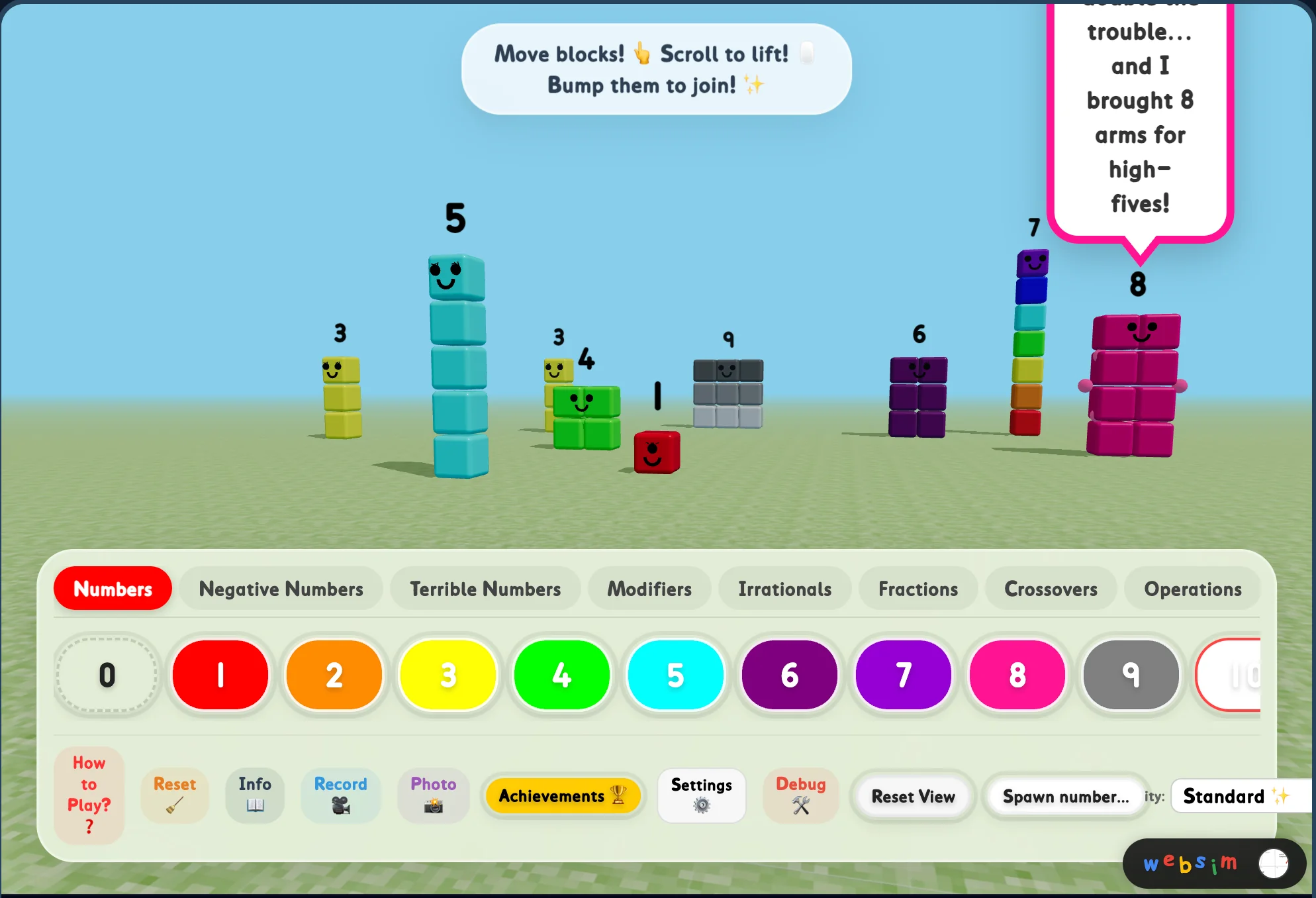
Play the Websim playground
Explore TV10TheCool's 3D Numberblocks Playground—drag, merge, spawn villains, and hunt 16 achievements in a Websim sandbox.
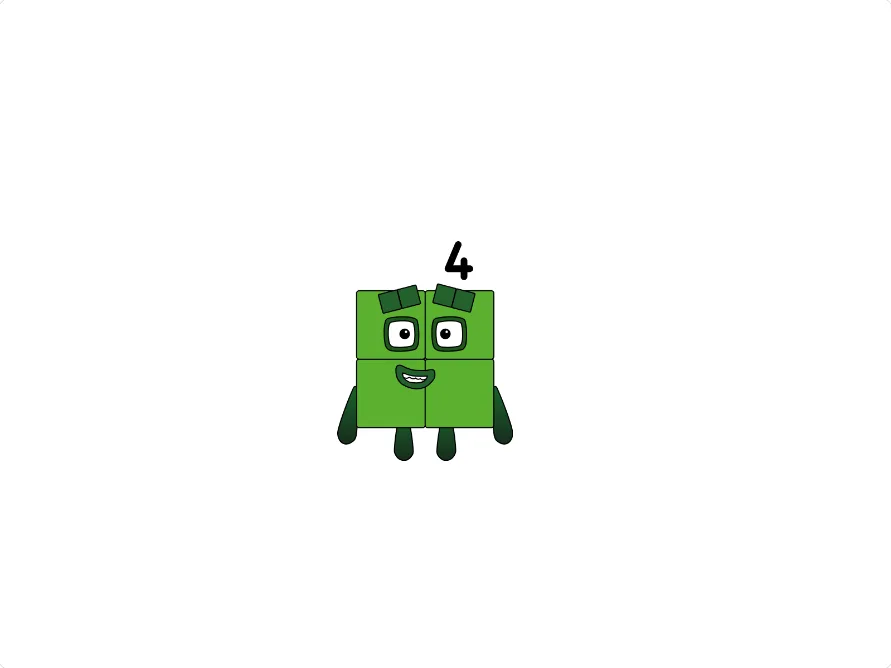
Explore bigger numbers
Use this version when you want larger values, bigger number patterns, and a more advanced generation session.
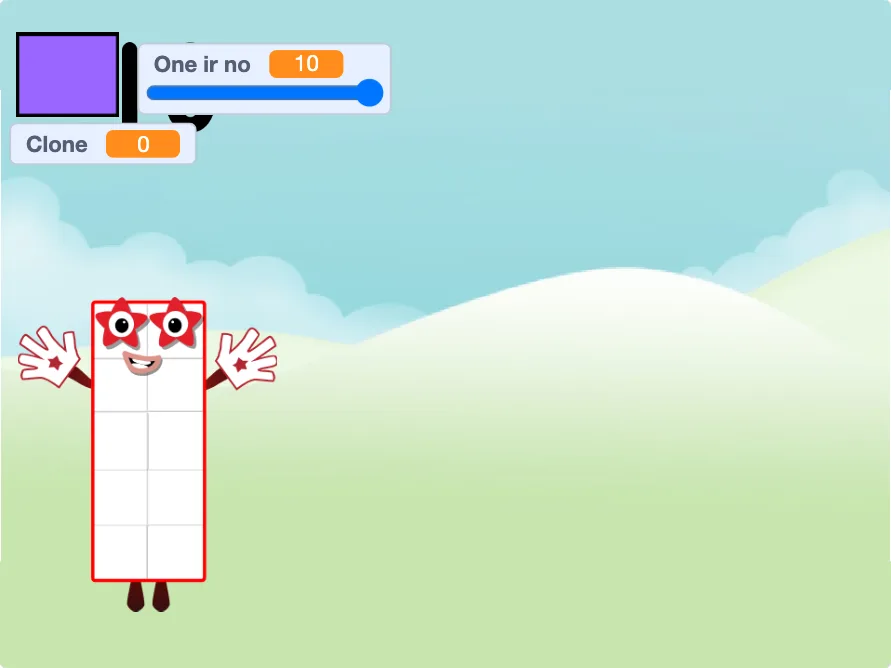
Play a Scratch project
Try the community-style Scratch project through a faster browser player, then open the original page for remix details.
Compare Versions
| Version | Best For | Features |
|---|---|---|
| Main | Standard play | Most stable |
| 1 to Infinity | Huge numbers | Advanced generation |
| Scratch | Community style | Experimental |
| Websim | 3D sandbox play | Merge, villains, achievements |
How to Play
Press the project start control, enter or choose a number, then test a few small values before trying bigger ones.
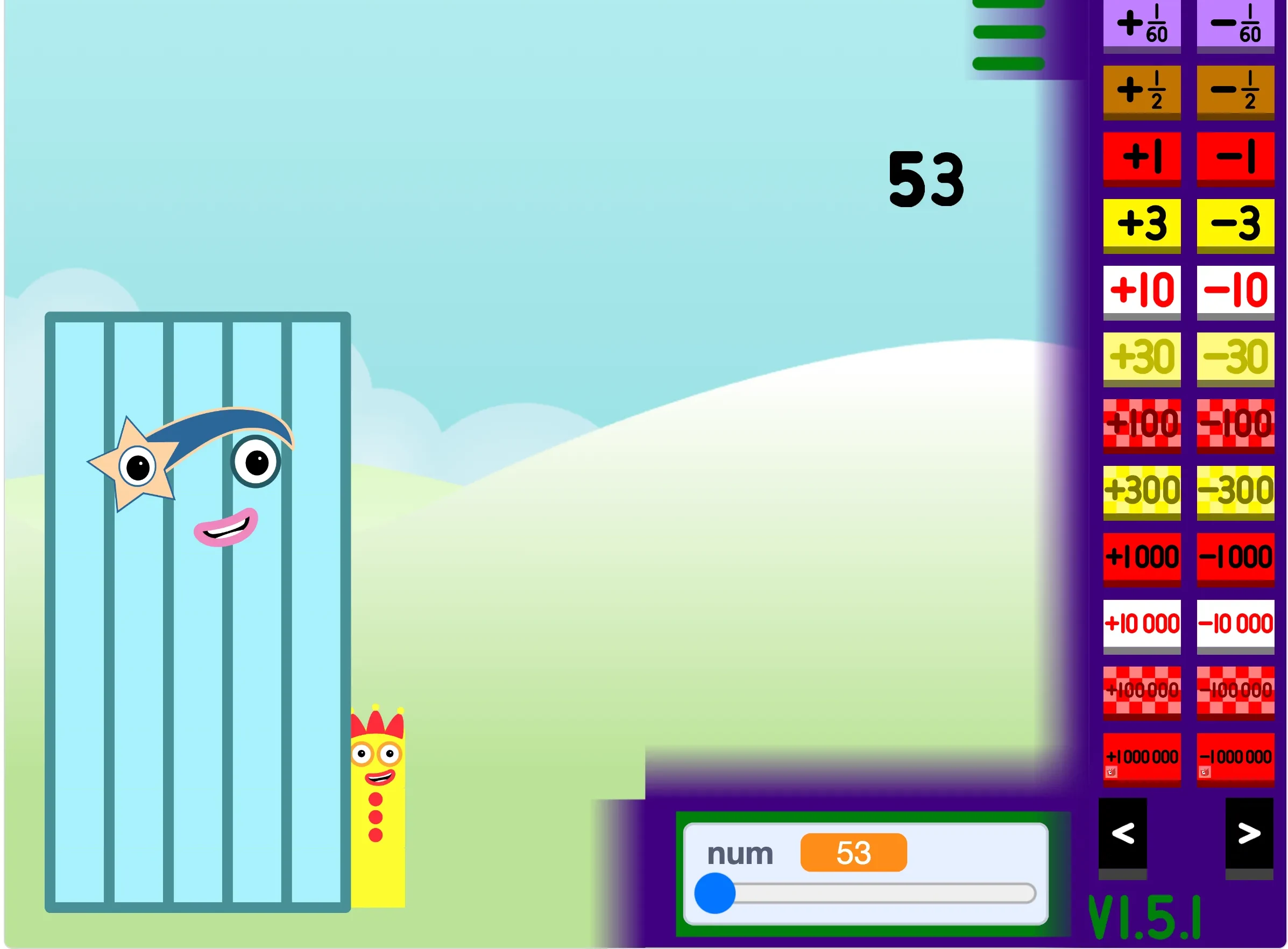
Use the visible in-game controls to change the generated block. If the controls feel tight, switch to fullscreen.
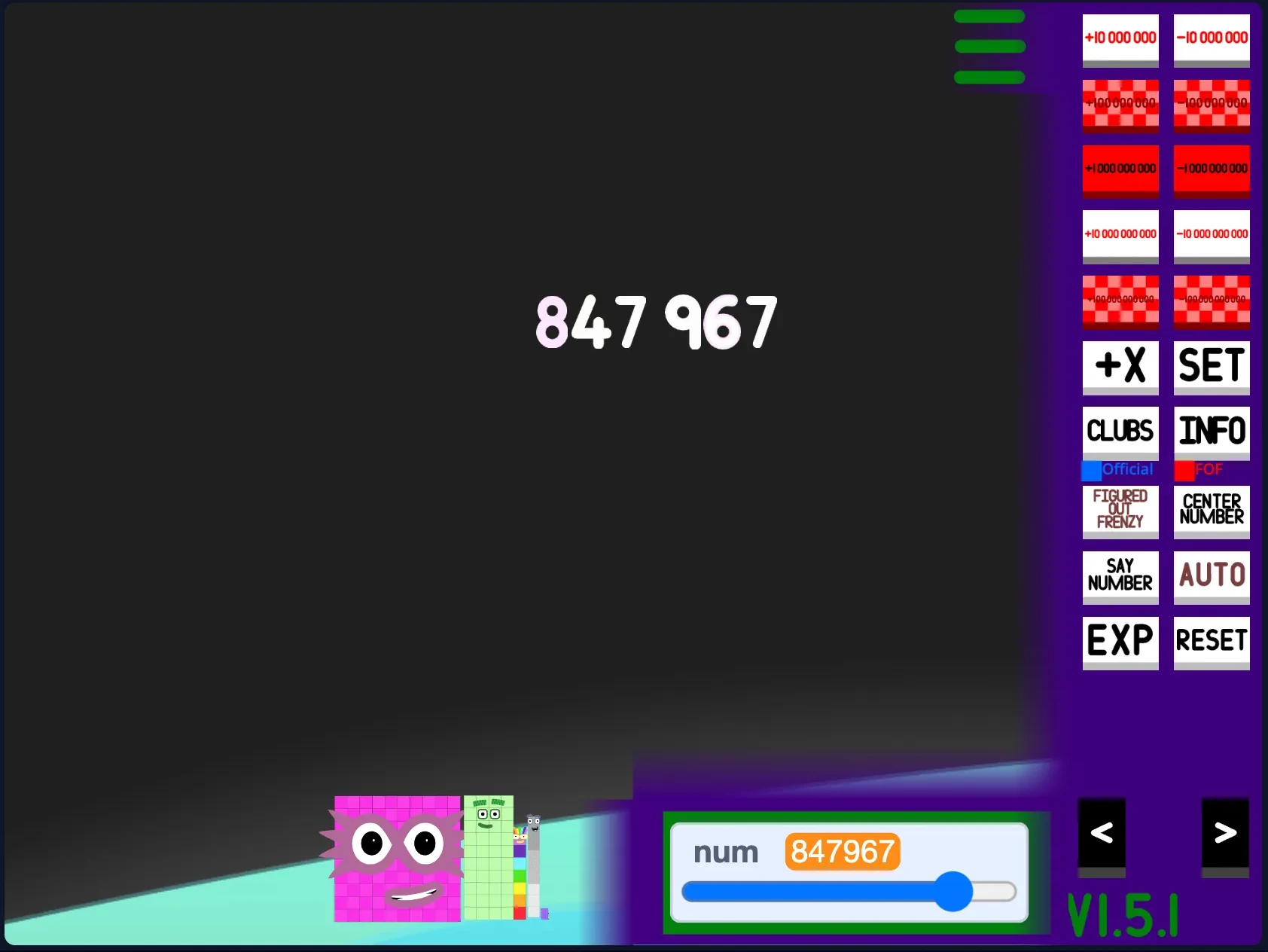
Use Open Fullscreen near the player or open the dedicated site player for the selected version.
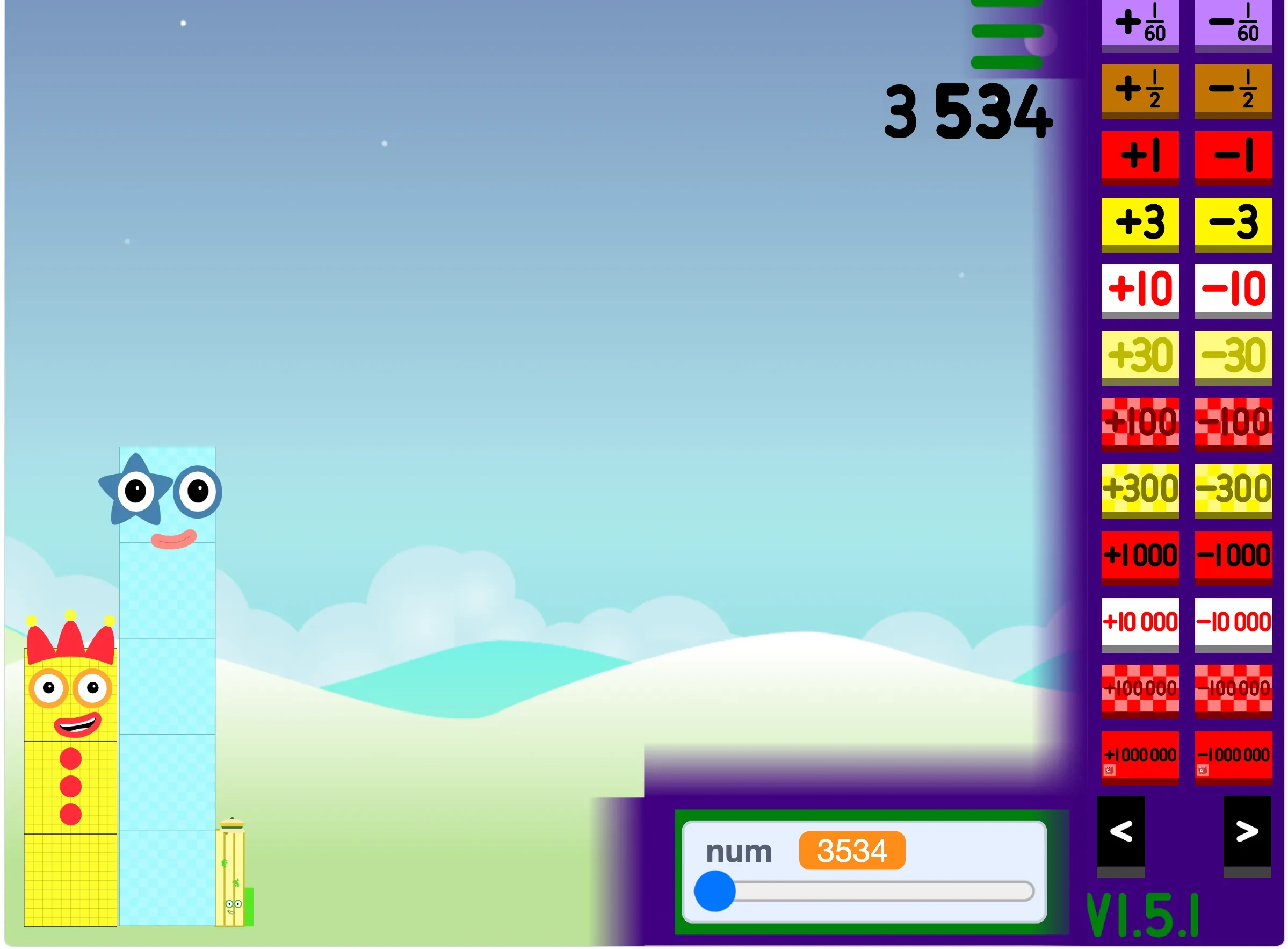
Compare Main, 1 to Infinity, Scratch, and Websim from the version cards or the player tabs.

Mobile Friendly
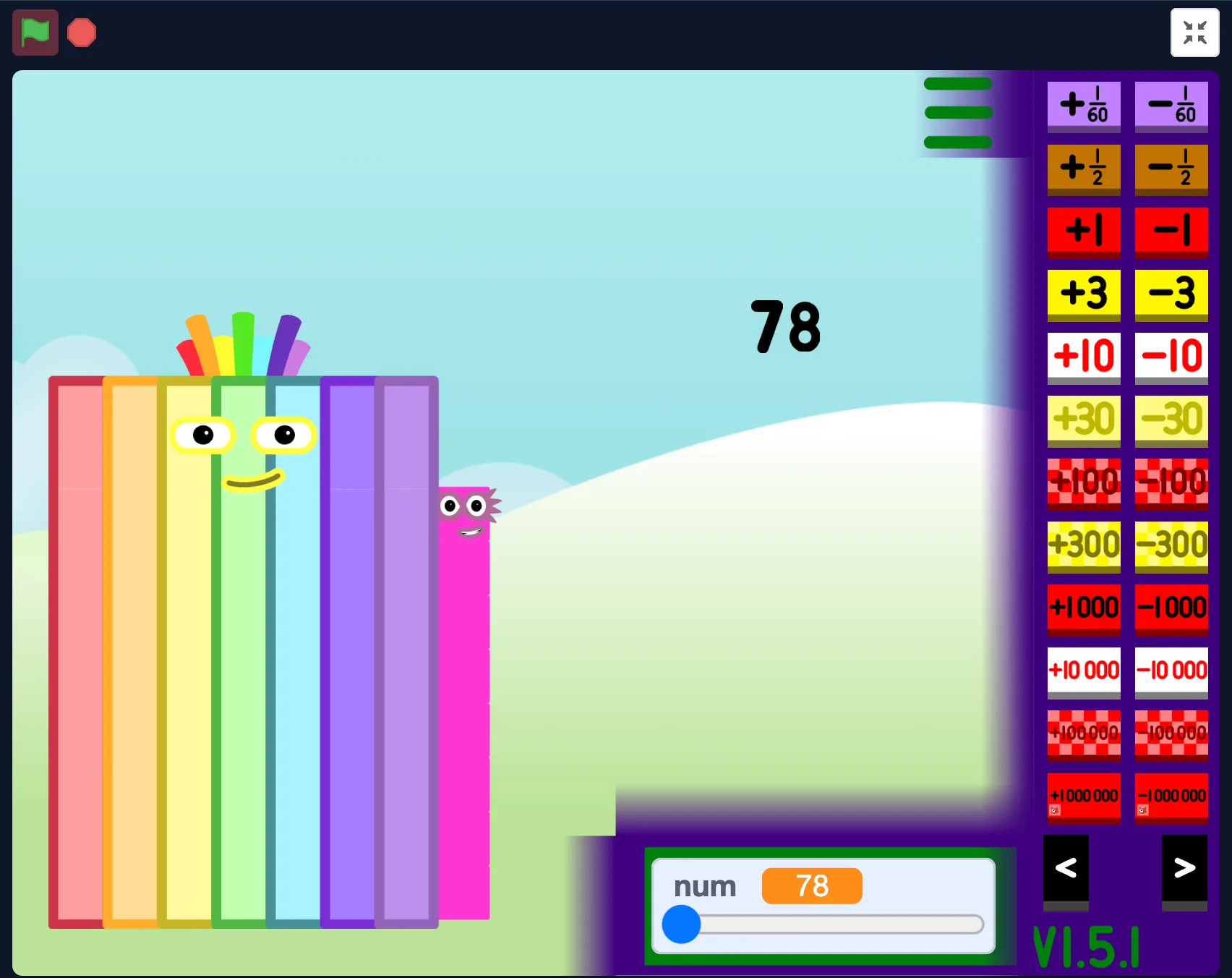
The page avoids loading heavy iframes before they are needed on mobile. If controls feel small, rotate the phone or open the fullscreen player.
Troubleshooting
Refresh once, then switch versions or open the fullscreen player. If a third-party host is blocked, the local player page is usually the fastest fallback.
School networks, privacy extensions, and browser settings can block third-party players. Open the site player or fullscreen player in a new tab.
Rotate to landscape, close heavy tabs, use the site player, or switch to the main generator if the Websim player feels slow.
Tap the player first, then press Open Fullscreen again. On iOS, open the dedicated player page for more room.
Tap inside the game stage, check the browser tab is not muted, and turn off silent mode before restarting the version.
FAQ
Yes. The playable generator versions on this site are free to access in your browser.
No. This is a fan-made playground for finding and playing number-block-style generator projects. It is not affiliated with the official Numberblocks brand, BBC, CBeebies, Alphablocks Ltd, or Blocks Universe.
Use the Main Generator for the most stable quick play, 1 to Infinity for huge numbers, Scratch for community project style, and Websim for a browser playground.
Yes. Mobile users can use the site player, rotate to landscape, or open a version in a new tab when the player frame feels cramped.
Third-party frames, strict browser blockers, school networks, or slow mobile devices can stop a version from loading. Refresh once, switch versions, disable strict blocking for the page, or open the fullscreen player.
Yes. Use the Open Fullscreen button near the player or open a dedicated fullscreen player page for the selected version.
It is a fan-made style of generator focused on exploring larger numbers, number patterns, and big number block characters.
The Scratch version is a fan-made project. Play through the in-page player for quick access, and have an adult check the original Scratch page, notes, comments, and links before children use it independently.
It refers to Scratch-style projects where creators build interactive number block generators. This site plays one of those projects through TurboWarp for better performance.
Numberblocks Generator Websim is TV10TheCool's 3D Numberblocks Playground on Websim—a sandbox where you drag blocks, bump numbers to add them, spawn villains, try math operations, and unlock 16 achievements. Play it here in your browser with fullscreen support.