Quick tips
Use this page safely
- Use the in-page player for quick play before opening comments or remix tools.
- Use the original Scratch page for remix and download permissions.
- Avoid project downloads from mirrors that are not linked by the creator.
Numberblocks Generator Scratch
Looking for Numberblocks Generator Scratch? Play the Scratch-style project here first, then open the original Scratch page if you want remix notes or creator context.
Scratch
Mobile Safari uses a lightweight site player with only the game frame loaded.
Rotate your device for a better play experience.
Publisher review
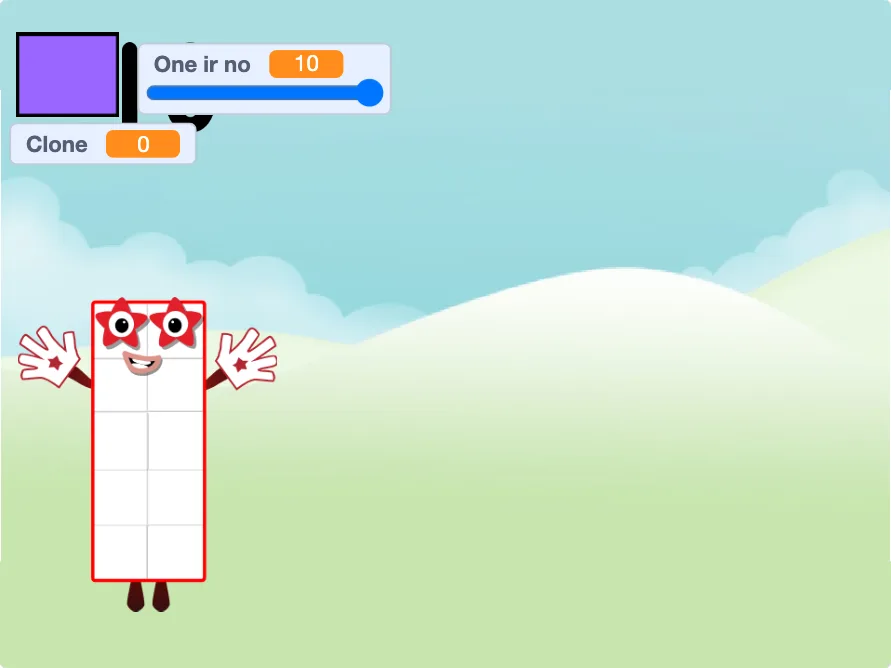
This guide was reviewed against the TurboWarp player route, original Scratch project link, creator attribution, and reference image.
Limit: Scratch and TurboWarp control project availability, project notes, remix permissions, comments, and downloads. Check the original project page before relying on any of them.
Play or remix
Numberblocks Generator Scratch is for users who want a project-style experience with creator notes, visible instructions, and possible remix options. The project is still fan-made, but it follows the familiar Scratch-style play pattern.
This page uses a fast browser player for quick access. Open the original Scratch project when you need the creator's instructions, remix permissions, comments, or project history.
Play first
If you only want to play, start in the in-page player and try the project before leaving the site. That keeps the first session simple and avoids sending a child straight into comments or external navigation.
If you want to understand the controls or reuse the idea, open the original Scratch page after the quick play check.
Remix checks
Use only the download or remix options provided by the original Scratch project page. If the creator has not made a file or remix path available, do not use unofficial mirrors.
Parents and teachers should check the project notes, visible instructions, and comment area before using a Scratch project in a lesson or activity.
Troubleshooting
Scratch-style projects can be affected by browser script blockers, in-page frame restrictions, or school network filters. If the player stays blank, refresh once and then open the site player in a new tab.
Use the main generator as the fallback when you need quick play and do not need remix features.
Quick tips
What to do next
Start the game above. If it feels tight or does not load, open the site player in a new tab and use fullscreen there.
Related pages
FAQ
Only if the original Scratch project page provides a download or remix option. Avoid unofficial downloads from unknown mirrors.
No. TurboWarp is a faster player and packager for Scratch-style projects, but permissions still come from the original project and creator.
Use the Scratch player on this page, or use the main generator if you want the quickest option.
Only remix it through the original Scratch project page when the creator allows remixing. This site does not change the creator's permissions.
Check the original project notes, visible instructions, comments, and any external links before using a Scratch project with children.