Quick tips
Use this page safely
- Start with a small value before testing very large numbers.
- Use fullscreen or landscape mode when the stage feels crowded.
- Open the site player if the player frame is blocked.
Playable version
Choose this version when you want bigger numbers and larger number block patterns. Start the game, enter a number, and use fullscreen if the stage needs more room.
1 to Infinity
Mobile Safari uses a lightweight site player with only the game frame loaded.
Rotate your device for a better play experience.
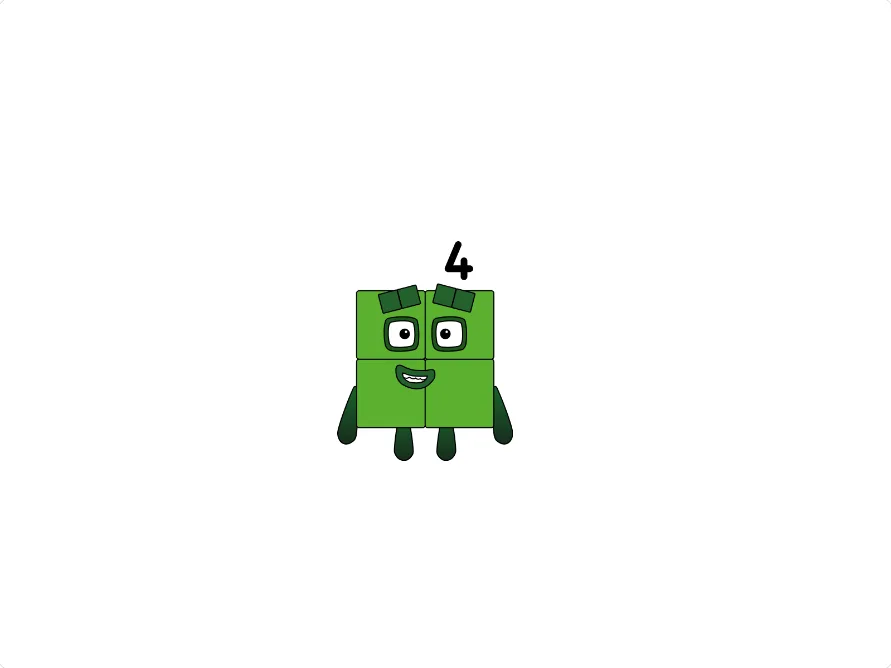
Publisher review
This guide was reviewed against the linked TurboWarp player route, creator attribution, reference image, and responsive page layout.
Limit: 1 to Infinity is a third-party project. It may change its supported inputs, controls, loading time, or visual output without a change to this site.
Big numbers
Numberblocks Generator 1 to Infinity fits activities about larger values, not only the first few number blocks. It lets users test bigger-number ideas in the browser without installing a project file.
Use it for a looser number block session: start with smaller values, move toward larger numbers, and compare how the stage changes as the numbers get more complex.
Play flow
Start the game, enter or select a number, and test a few small values before jumping to very large ones. That makes it easier to understand the controls and notice how the number block display changes.
Fullscreen or landscape mode tends to work better for this page because larger-number projects can place more controls and characters on the same stage.
Activity ideas
Choose 1 to Infinity for number pattern play, big-number comparisons, or short classroom prompts where children predict how a larger value might be represented.
For a first visit or a very young child, the main generator is still the simpler starting point. This version makes more sense once the user is ready to go beyond quick-play.
Loading help
The in-page player depends on TurboWarp and browser frame permissions. If the stage stays blank, refresh once, then use the site player in a new tab so the project can run in a dedicated player page.
Strict browser extensions, school networks, or mobile browser limits can block parts of Scratch-style projects. Opening the site player avoids the cramped in-page frame path.
Quick tips
What to do next
Start the game above. If it feels tight or does not load, open the site player in a new tab and use fullscreen there.
Related pages
FAQ
Yes. The fan-made version is free to play in a web browser.
Yes. It focuses more on bigger numbers and large-number exploration, while the main generator is the simpler general-purpose option.
Fullscreen gives the Scratch-style stage more room, which helps when a project has many buttons or large number block characters.
Start with smaller values so you can learn the controls, then move to larger numbers when the stage and buttons feel familiar.
Large-number projects may show more visual parts and controls at once. Landscape mode, fullscreen, or the site player gives the stage more room.