Project notes
Scratch vs TurboWarp Numberblocks Generator
Scratch and TurboWarp can look like two doors to the same Numberblocks-style game, but they are useful for different reasons. I use TurboWarp when I just want the thing to run. I use Scratch when I want to know who made it, what they wrote about it, or whether remixing makes sense.
My quick take
TurboWarp is my quick-play path. Scratch is where I go for creator notes, comments, remix context, and the original project trail.
Guide review
Written with a stated source and review method
- Written and reviewed by
- Numberblocks Generator site team
- Last reviewed
- July 15, 2026
Reviewed against the TurboWarp player route, the linked original Scratch project, creator attribution, and the reference player view below. Remix and download permissions remain on the original Scratch page.
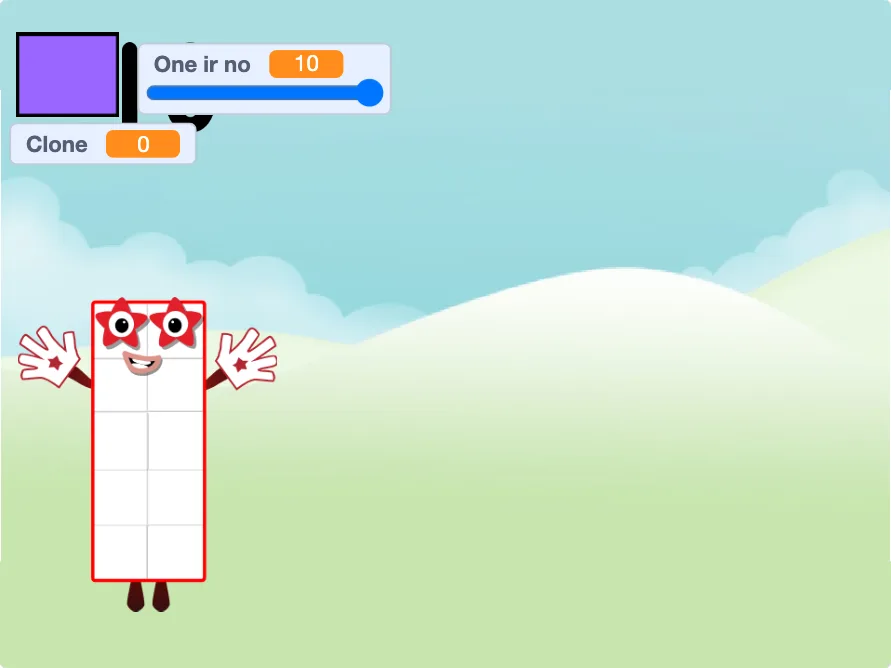
What I like about Scratch
Scratch gives the project a home. You can often see notes, credits, remix links, comments, and the kind of context that gets lost if you only open an embedded player.
That is useful if you are a parent checking the source, a teacher planning a lesson, or just a curious fan who likes seeing how these projects travel around.
Why I still use TurboWarp
TurboWarp is usually the smoother play button. It is the one I open when I do not want to read comments or explain the Scratch interface first.
It does not replace Scratch, though. If I care about attribution, remixing, or downloads, I still go back to the original project page and check there.
What I open first for kids
For younger players, I start with the local page and the embedded or site player. It keeps the first session focused on the game instead of community links and comment threads.
After that, an adult can open Scratch separately if they want to read the project notes or check what else is attached to it.
About remixing and downloads
I only trust remix or download options when they come from the original project page or a source that clearly points back to it.
If a project is missing or a download looks random, I skip it. There are enough playable browser versions that chasing unknown files is not worth it.
- Use Scratch when permissions matter.
- Be careful with random download links.
- Keep quick play and remix research separate.