Grown-up notes
Parent and Teacher Guide to Fan-Made Numberblocks Games
Fan-made Numberblocks games can be a lot of fun, but I would still preview them before putting them in front of a class or a younger kid. Most pages are fine, but players, comments, project notes, and outside links can change. A two-minute check saves a lot of awkward troubleshooting later.
My quick take
I preview the local player first, check the original project page when needed, avoid random downloads, and keep one backup version ready before using the game with kids.
Guide review
Written with a stated source and review method
- Written and reviewed by
- Numberblocks Generator site team
- Last reviewed
- July 15, 2026
Prepared from the site's player routes, source-disclosure policy, and a mobile reference capture. Adults should still preview the exact third-party project, links, and comments on the device and network they plan to use.
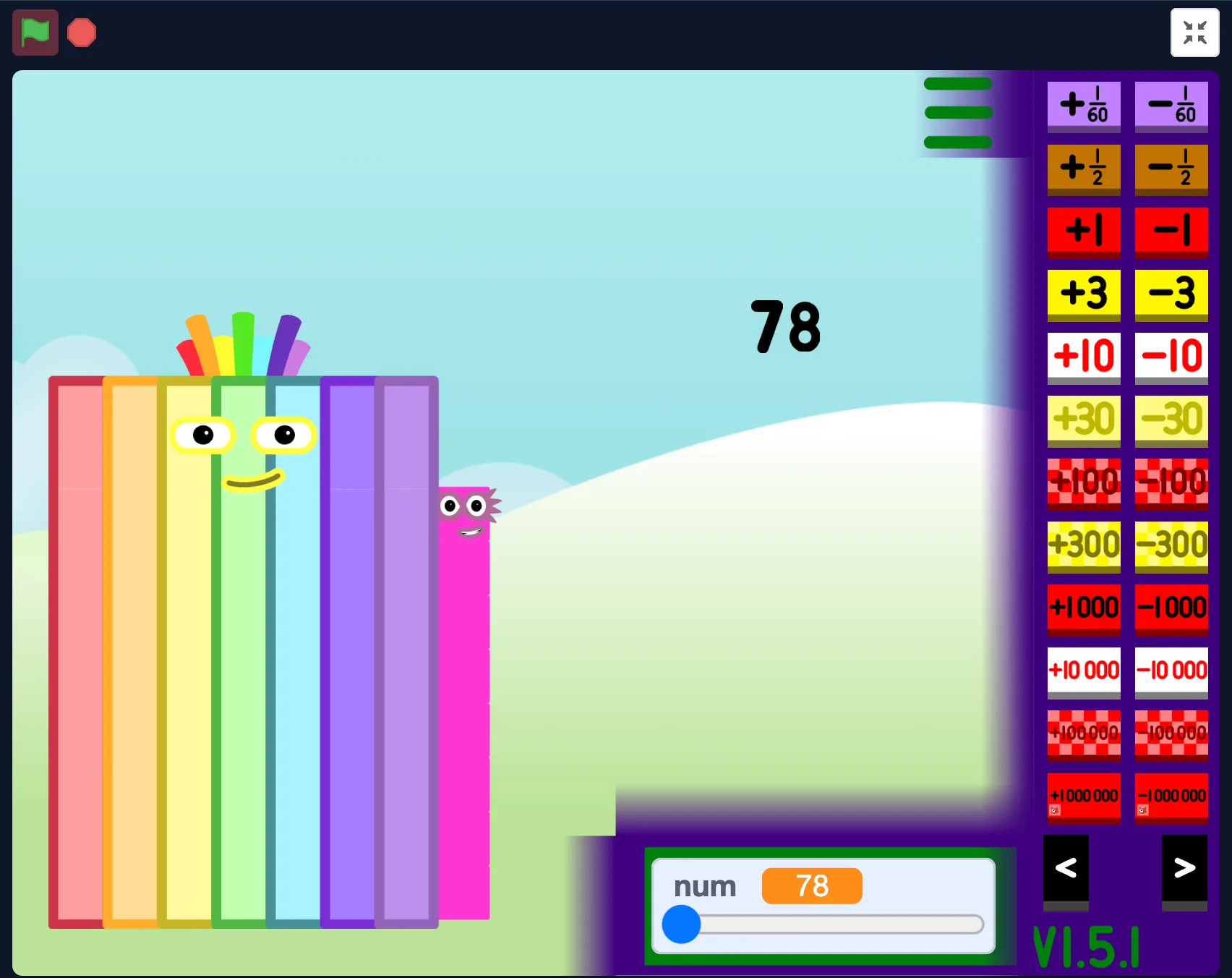
Start on the local page
I like starting with the local page because it gives the game a quieter first screen. You get the player, a bit of context, and links to related versions without dumping a child straight into a third-party page.
If the local player is not a good fit, switch versions early. It is much easier than trying to search for something better while everyone is already waiting.
Check the outside page yourself
When you open Scratch, TurboWarp, Websim, or another creator page, take a minute to look around. Notes, comments, links, and project behavior can change without this site changing at all.
For classroom use, I would do that check on the same network and device type students will use. School filters have a way of surprising you at the worst possible time.
Pick the version that fits the mood
For quick number play, I use the main NBB generator. For bigger-number experimenting, I use 1 to Infinity. For project context, I use Scratch. For sandbox-style messing around, I use Websim.
The narrow choice is usually the better one. Too many tabs make the session feel more like troubleshooting than playing.
Skip random downloads
I stick with browser play unless the original project page clearly offers something else. Random mirrors and mystery downloads are not worth it for a fan game.
If a version only works through a download and the source is unclear, I choose another playable page. There is almost always a safer option.
My quick classroom check
Before using one of these pages in class, I open it on the classroom network, make sure the player loads, test sound if I need it, and check whether fullscreen or landscape mode is usable.
I also keep a backup page ready. It is not dramatic; it just means one blocked iframe does not eat the whole activity.
- Preview on the real network.
- Look at notes, comments, and outside links first.
- Keep one backup version ready.
- Use browser play unless the source is clearly trusted.